Table of Contents
003 - Deadstart New Disks
Before Proceeding
When deadstarting the updated system, several things should be noted at each interstitial checkpoint. Please be certain to follow the instructions closely. Almost everything is restartable but great attention has been paid to getting the documentation aligned with the current distributions.
3.1 Check Tape Configuration
- Ensure that the deadstart tape is still mounted[YourSystem] Operator> show_tape > Magnetic Tape Status: > --------------------- > 679 C13 E00 U00 r tapes/ds.tap > 679 C13 E00 U01 (idle) > 679 C13 E00 U02 (idle) > 679 C13 E00 U03 (idle) > 5744 C23 E00 U00 (connecting) > 5744 C23 E00 U01 (connecting) > 5744 C23 E00 U02 (connecting) > 5744 C23 E00 U03 (connecting)
3.2 Start CYBIS
- Ensure that the control points have all “settled” properly and all supported services have started correctly.
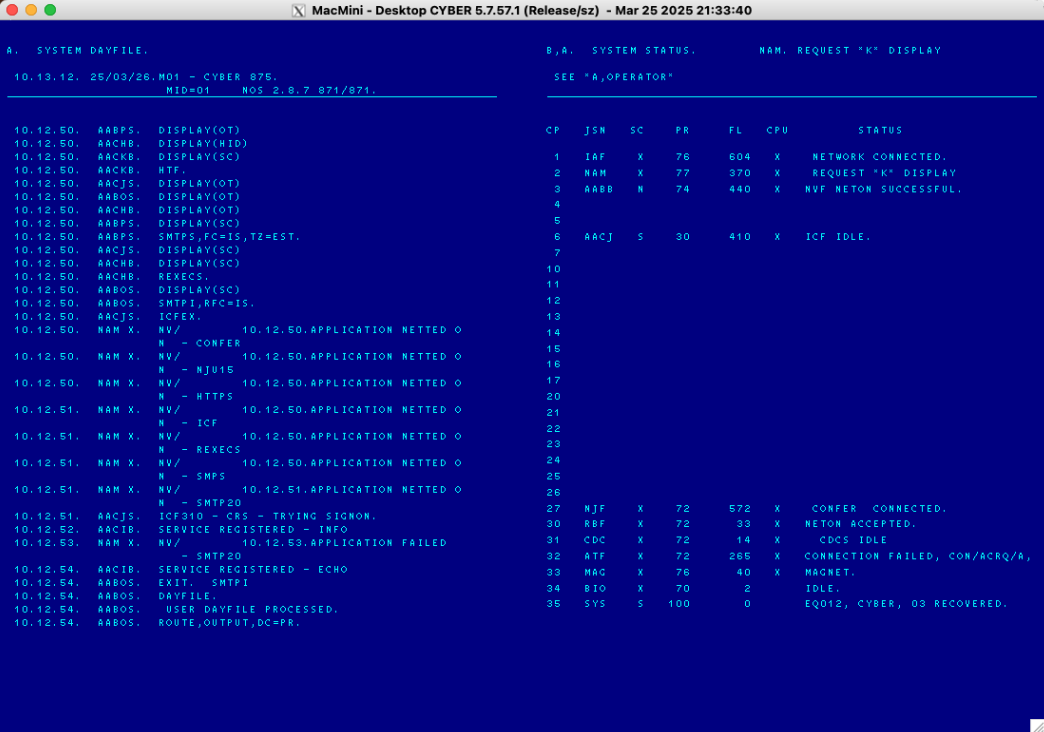
- Start CYBIS.
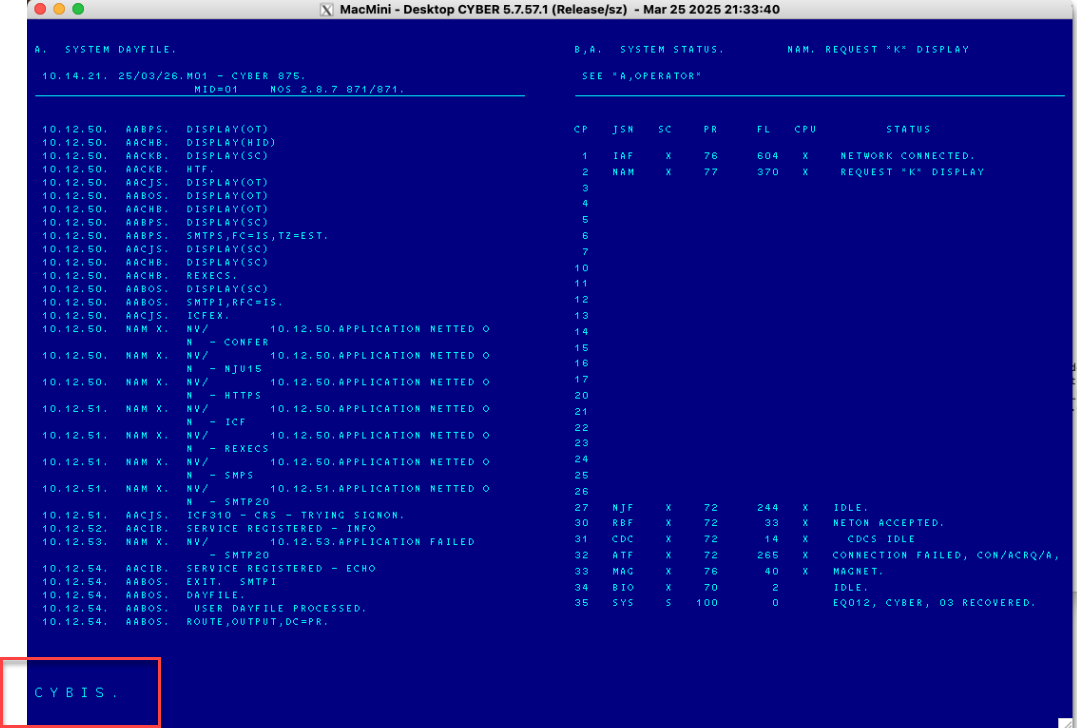
3.3 Check Disk Configuration
Double-Check RTR1 and GEN1
When you first deadstart the system with the new disks in place, they will be “visible” to dtCyber but not to NOS. A quick check of the e,c. NOS console command will show you the following:
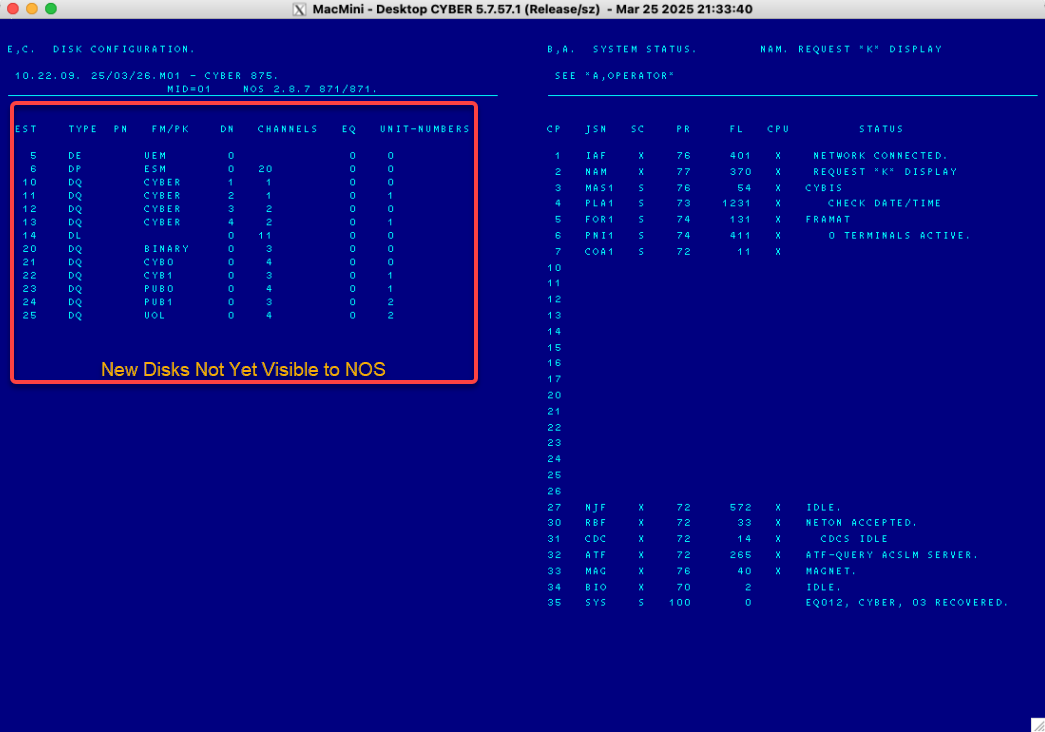
Likewise, verifying the state of the disks on the dtcyber console by issuing the show_disks command will display the following:
When thinking about the CYBIS packs as distributed, it's best to think of the entire group of them as a point-in-time consistent set:
DQ20_BINARYthroughDQ25_UOL(for CYBIS Release 1)
DQ20_BINARYthroughDQ27_GEN1(for CYBIS Release 2)
Do not attempt to use “some packs” from one installation and “other packs” from another unless you really know what you are doing.
3.4 Connect to CYBIS
You may now connect to the running system using PTerm:
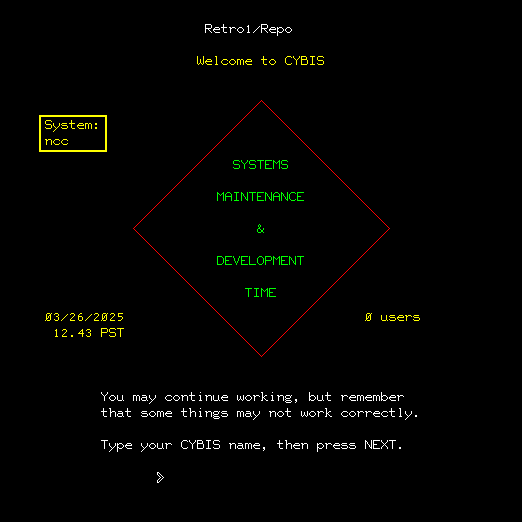

The first thing to note is that the login page has change to the more “CERL-like” look and feel.
Upon logging in as admin/s, you will see the following:
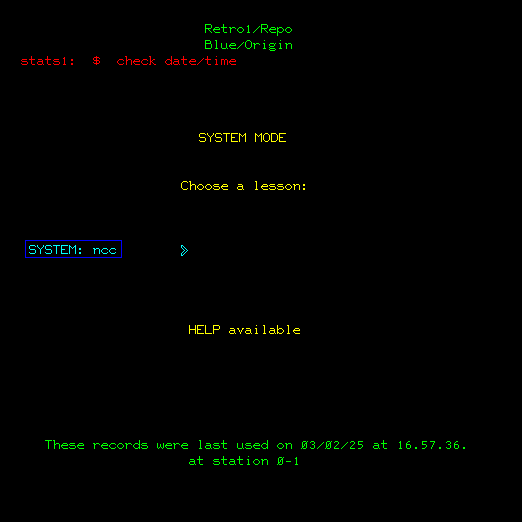
There are several items to note here:
- The SYSTEM: ncc identifier appears next to the –> prompt.
- You will see a system error message from stats1:
$ check date/timeIgnore This - The distributions are color coded.
- Line 1 of the
SYSTEM MODEdisplay will indicateRetro1/Repoto assure you of where you are in the process. - Line 2 will indicate “Blue/Origin” or “Red/Target” (and others) depending on the distribution you have received 1).
- You should, on the dtCyber console, turn idle off using the
idle offcommand.
SID (system identifier) and RID (routing identifier)
The NCC System defines the SID and RID parameters in the file configx under User Number o377773 (User: PLATOMF Password: PLATOMF). The Retro1 version of CYBIS maintains these system
identifiers in the deadstart file config which will be set during the following steps.
Do Not Do The Following Yet
Purging this file requires console access
 NOS> x.dis.
 NOS> user,platomf,platomf.
 NOS> purge,configx.
 NOS> drop.
If you do not purge CONFIGX and have defined the SID and RID in CONFIG, CYBIS may fail. Nothing will be harmed if this happens to occur.