006 - Shutting-Down CYBIS (PLATO) and NOS
CYBIS (R2) Operation and Usage (Virtual Book)
This Virtual Book contains chapters organized in a suggested order but you are free to select whatever topics address your needs best.
Important
Before stopping Desktop CYBER you must
- cleanly shut down CYBIS (also referred to as PLATO)
- and then the NOS operating system.
If you fail to perform a clean shutdown, NOS disks and CYBIS master files may be left in an inconsistent state requiring special recovery procedures.
Shutting down PLATO
The PLATO shutdown procedure is documented in the opguide. If not performed correctly the file system is so simple that it is not likely to be affected. What may be affected are Lesson commons, Active Records, and other ECS 1) resident shared data structures. A common is a pool of data shared by one or more lessons and cached through ECS 2). Active Records are data kept in ECS while a user is logged-in to the PLATO system. Examples of Records information are structures such as student variables, CPU Consumption, DISK I/O Counts, and more. These shared pools are checkpointed back to disk periodically by system lesson checkpt or during the backout process performed by system lesson sysopts.
Procedure
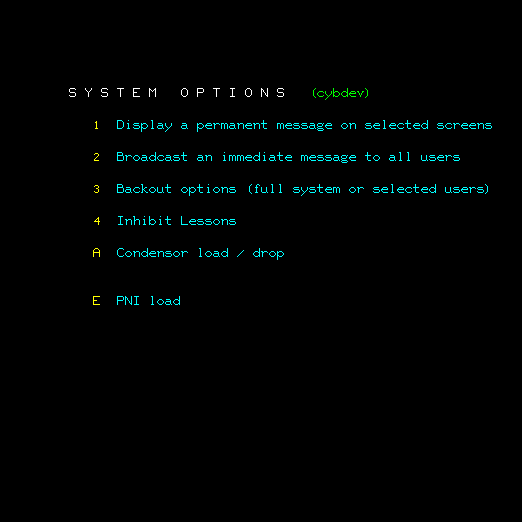
- Select option
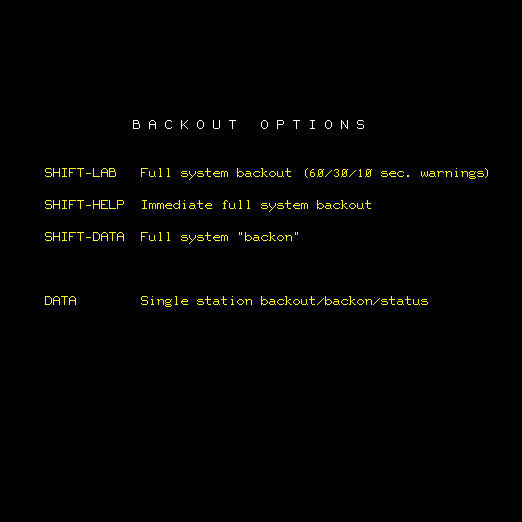
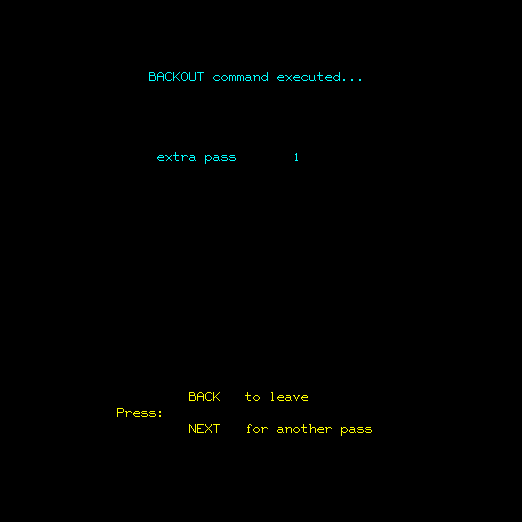
3 Backout options (full system or selected users)and the screen changes to: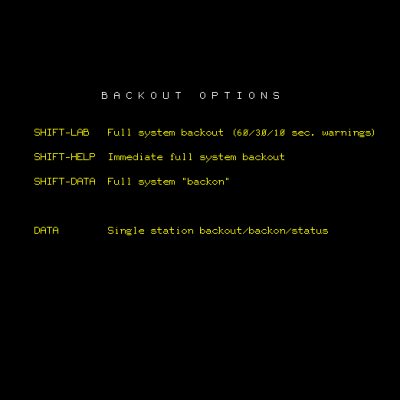
- Press
SHIFT-HELPfor immediate full system backout. All users will be backed out of the system (in multiple passes) to ensure that all information associated with their respective sessions are safely returned to disk.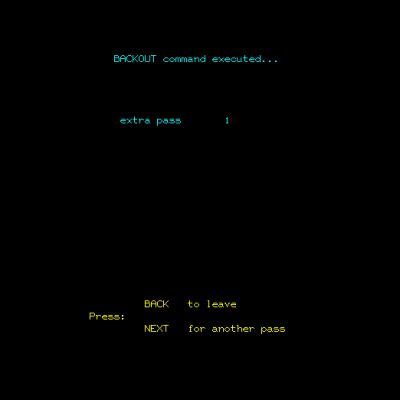
- After a few seconds the display changes back to System Options. Press
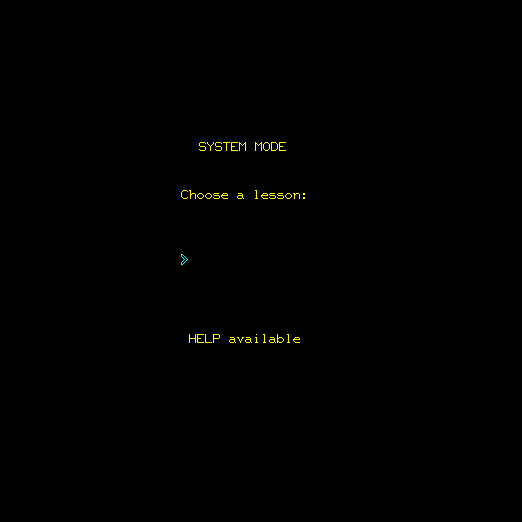
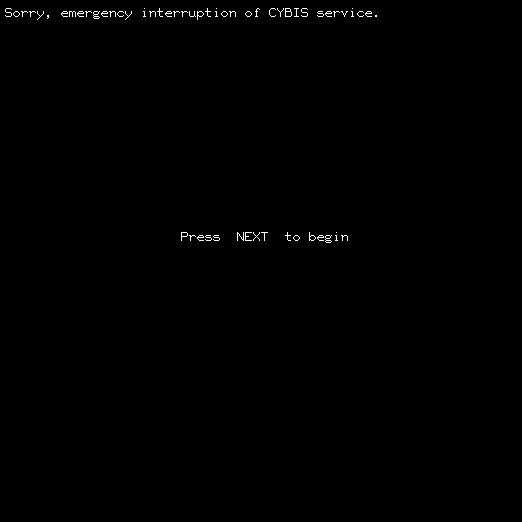
BACKto return to the SYSTEM MODE display and pressSHIFT-STOPto log off, returning to the Press NEXT to Begin display. Note the new message that appears on the top line of the displaySorry, emergency interruption of CYBIS service..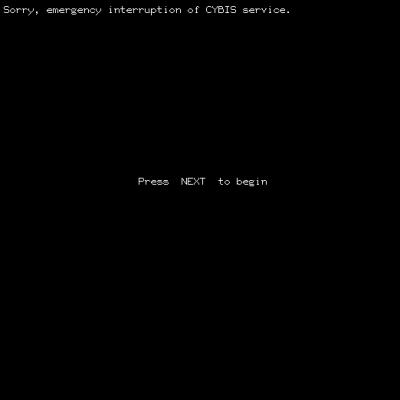
- On the NOS console display,
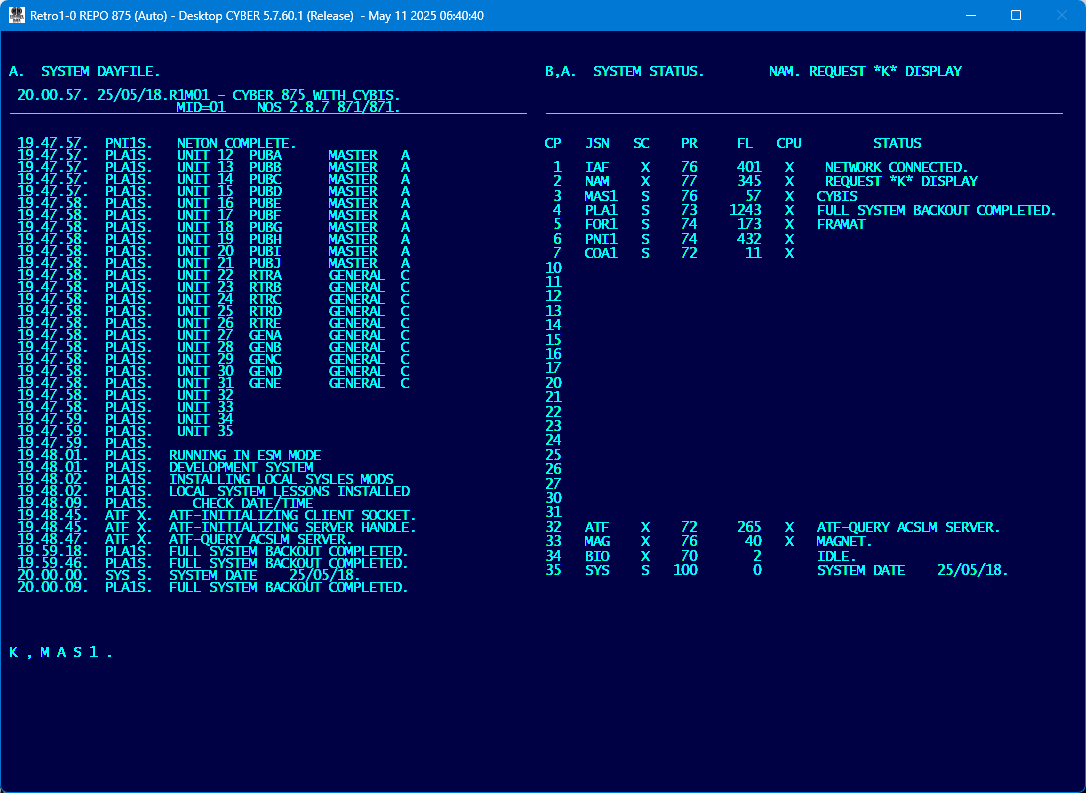
FULL SYSTEM BACKOUT COMPLETED.will appear next to the PLA1 control point: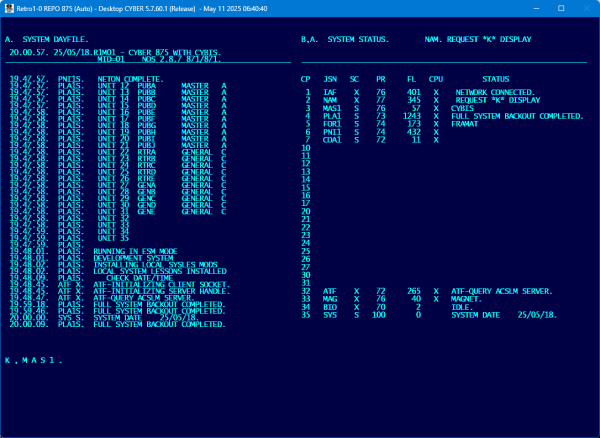
- Enter
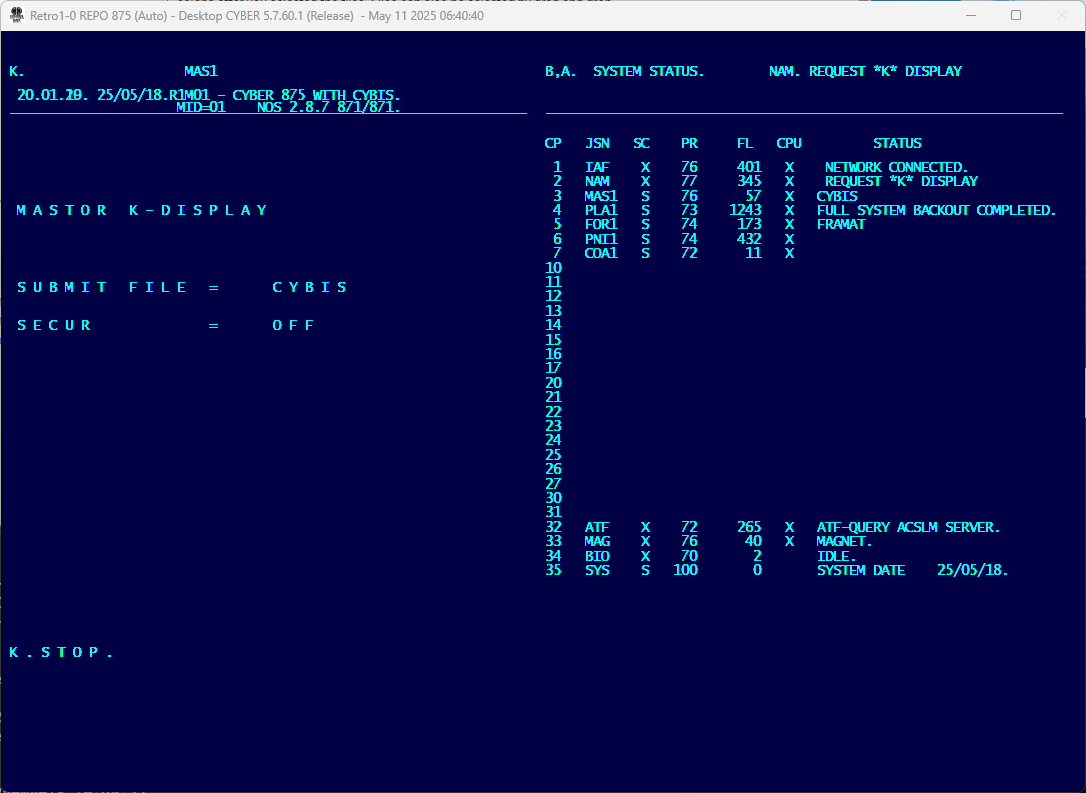
K,MAS1.to bring op the K-Display for control point MAS1 (Mastor) and then enterK.STOP.to gracefully terminate CYBIS and its related control points.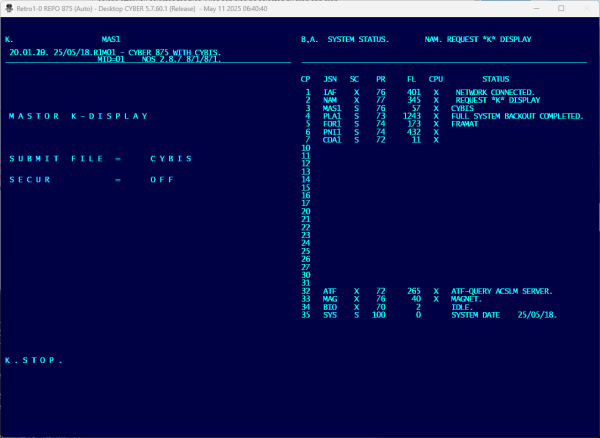
Success
After a few seconds all CYBIS subsystem control points have terminated successfully.
Shutting Down NOS
- Now press the
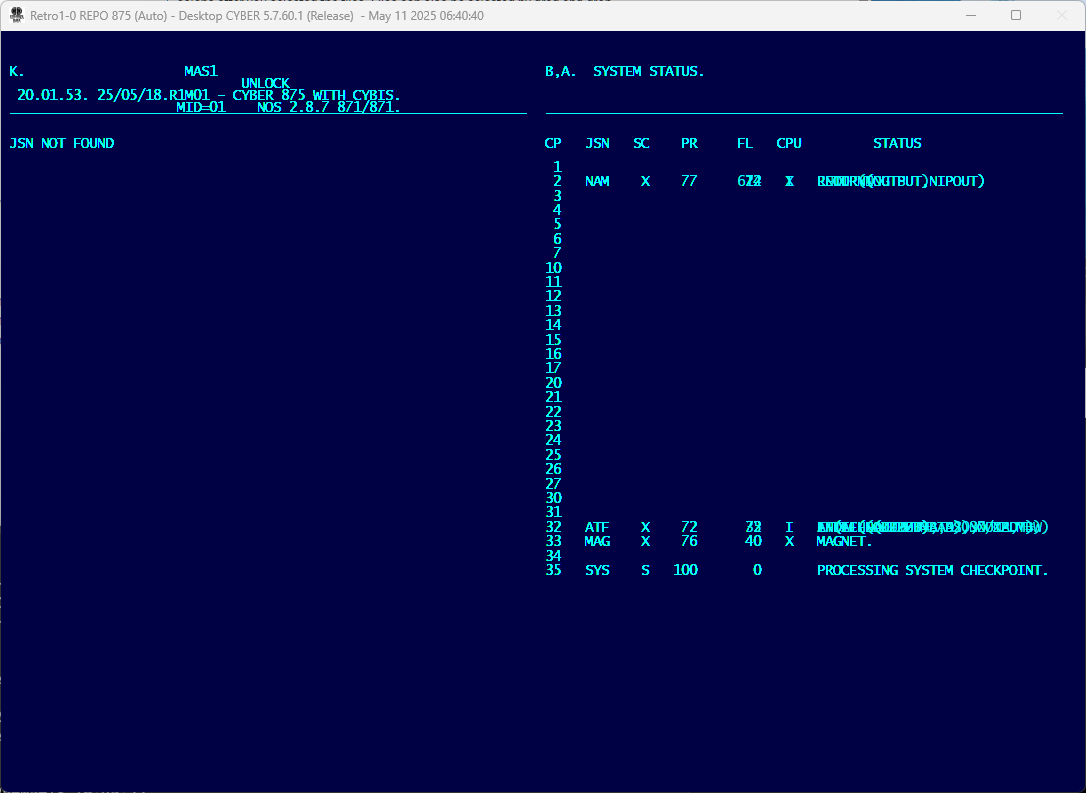
left-blank key(i.e.right square brace]) to clear the command line for entry, followed by the display command AB. 5). - (Optional) Shut down NAM with the command
IDLE,NAM.. 6)- After a few seconds of activity NAM will shut down
- The NAM Dayfile will print on the BIO control point.
- The system will perform the checkpoint and the display will report progress:
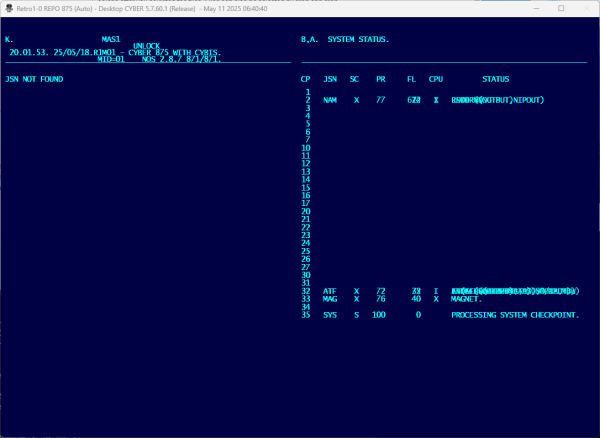
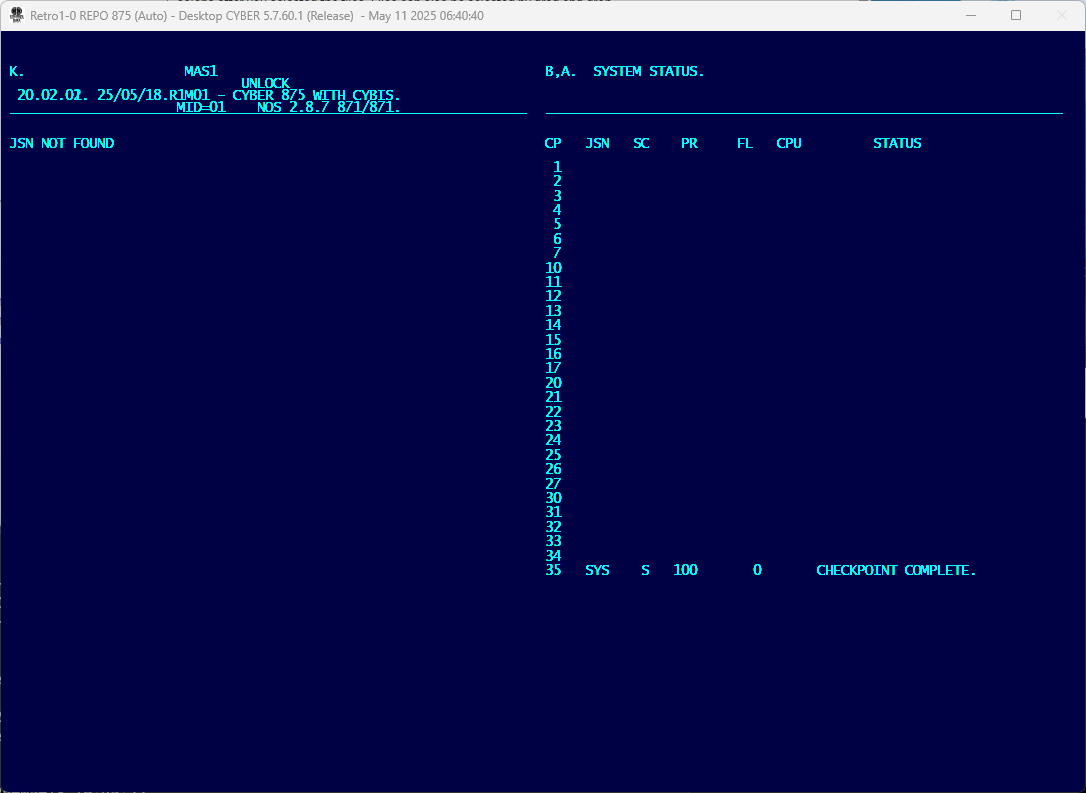
- Wait for the message
CHECKPOINT COMPLETE.to appear: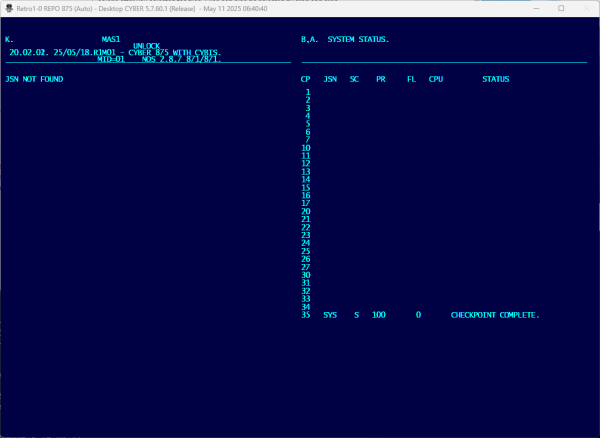
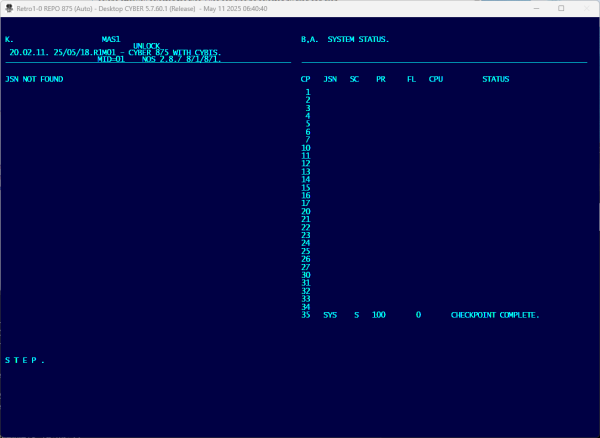
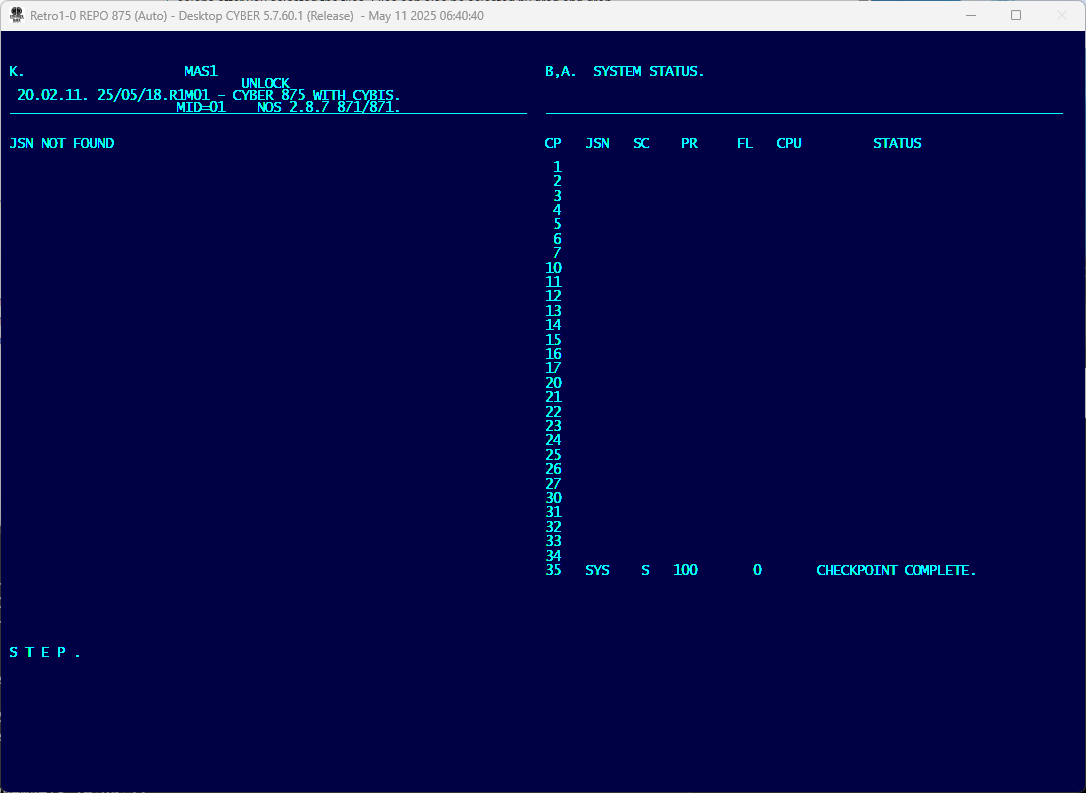
- The final console command is
STEP.to stop all Peripheral Processor (PP) activity and inhibit any further disk accesses.THIS IS IMPORTANT – DON’T FORGET IT.
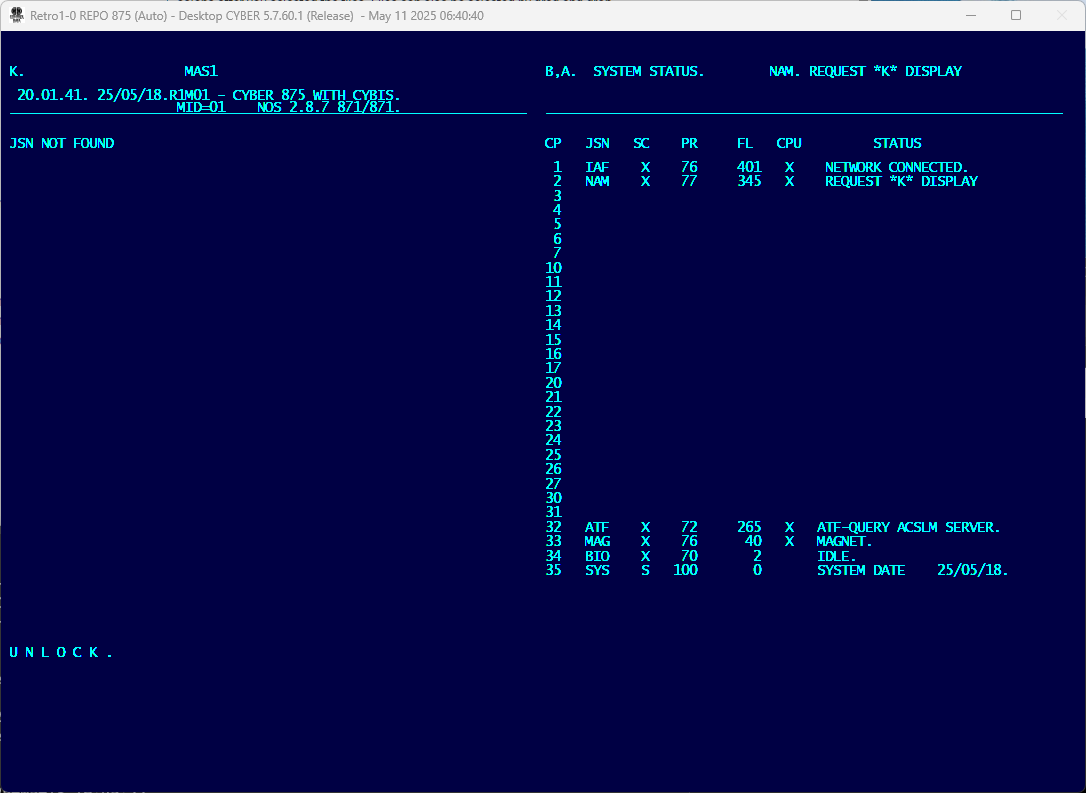
Success
The NOS operating system is now fully shut down.
To terminate the emulation, go to the DtCyber operator window and type shutdown and then press the Enter key:
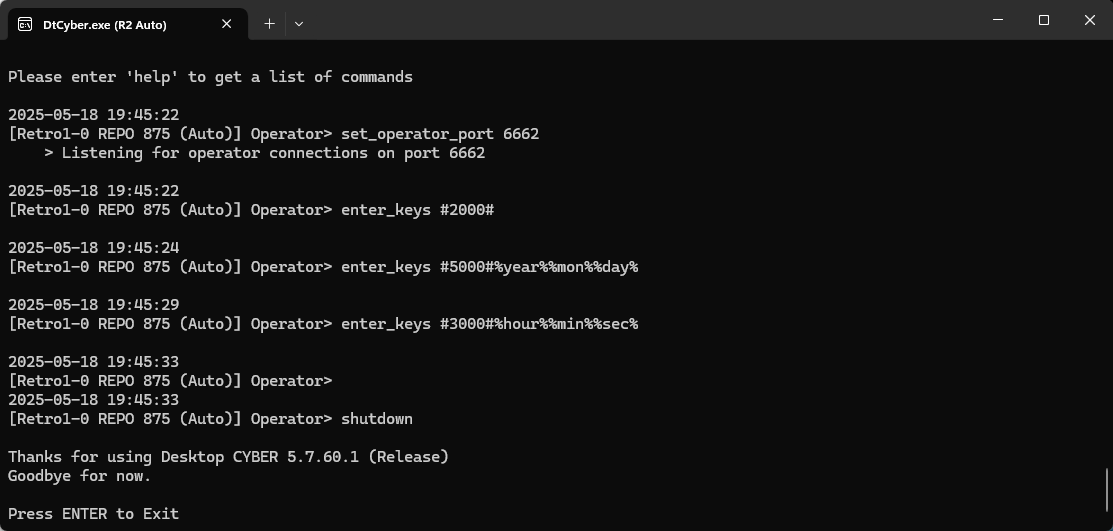
The NOS operator window closes a few seconds after shutdown has been entered. DtCyber then flushes all buffers to disk and saves (to the directory indicated by the persistDir Statement in the cyber.ini file):
- Central Memory (CM)
- Extended Core Storage (ECS)
- Peripheral Processor Unit (PPU) memories
- and tape controller conversion tables are saved.
admin/s1 from the System Mode display is a shortcut to bring up system lesson sysopts.A display on the left side of the console and the B display on the right side of the console